

Direct .XER support
Encrypted at rest
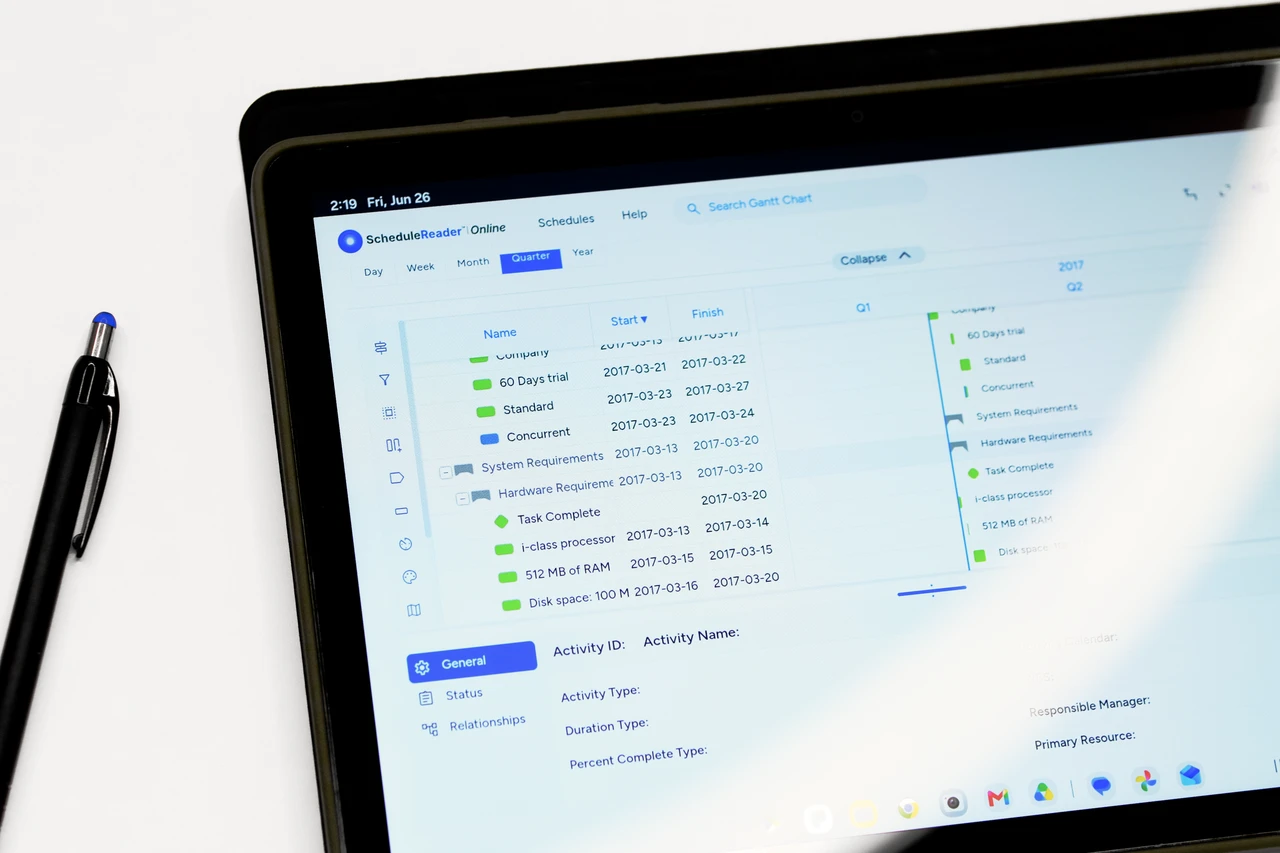
Browser-based, no installs
PDF export
Bring Your XER and XML Project Schedules to the Cloud
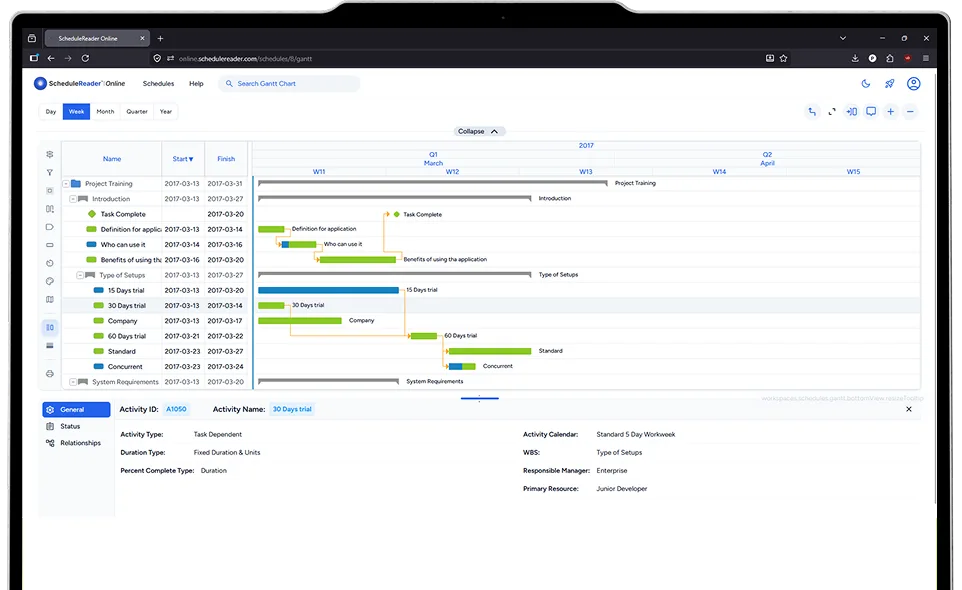
ScheduleReader Online is an online XER file viewer for Primavera P6. Upload a .xer file and it opens in your browser in seconds, with the Gantt chart, WBS hierarchy, dependencies and critical path already in place. There is nothing to install and no P6 license to buy. It is built for project managers, stakeholders and site teams who need to view a schedule without a database connection.
What you can do in an
online XER viewer
A browser based XER viewer that shows a Primavera P6 schedule the way the planner built it, without the database.
Open .XER Files in the Browser
Upload a Primavera P6 .xer file directly. The upload is encrypted, the file is parsed in seconds, and it stays private to your account.
Interactive Gantt Chart
An interactive Gantt chart with timescale controls, and relationship lines so you can see the full picture at a glance.
Filters, Groups and Sorting
Find any activity by name, code or date. Multi-column sort, grouped views and instant search across every activity field.
WBS Breakdown View
Expand the WBS hierarchy and collapse to the level you need. Isolate a work package, a discipline or a contractor’s scope and see the activities and dates behind it
Saved views per version
Save your filters, baselines and WBS colour schemes per schedule version, so every reviewer opens the file in the view they expect.
Progress Updates
Mark activities complete, adjust remaining durations and record progress notes without a P6 seat. The original .xer file is never modified.
Simple, Transparent Pricing
Start with the public demo. Subscribe when you are ready to upload your own schedules.
Explore with a built-in sample project, no sign-in required.
Single user — upload and view projects from XER files.
Multiple users, team space, and an admin dashboard.
How to open .xER file online in three steps
Upload your .XER file
`Drop the Primavera P6 export into the schedules dashboard. Multi-project files prompt you to choose what to include.
Open the Gantt
The DHTMLX Gantt loads with your activities, WBS hierarchy, dependencies, and the critical path already highlighted.
Customize & Export
Save filters, baselines, and WBS color schemes per version. Export the Gantt to multi-page PDF for status reports and plotter prints.