
Interactive Schedule Overview
Get a full overview of project data, customized to your current needs, with relationships shown in a Gantt chart and tabular view.

ScheduleReader is a standalone Mac application that opens XER project plans exported from Oracle Primavera P6 and presents them as dynamic, interactive schedules.
Why Mac
ScheduleReader opens and views project plans exported from Oracle Primavera P6 in the XER format, with super-fast loading of large files, visual progress presentation and interactive analysis.
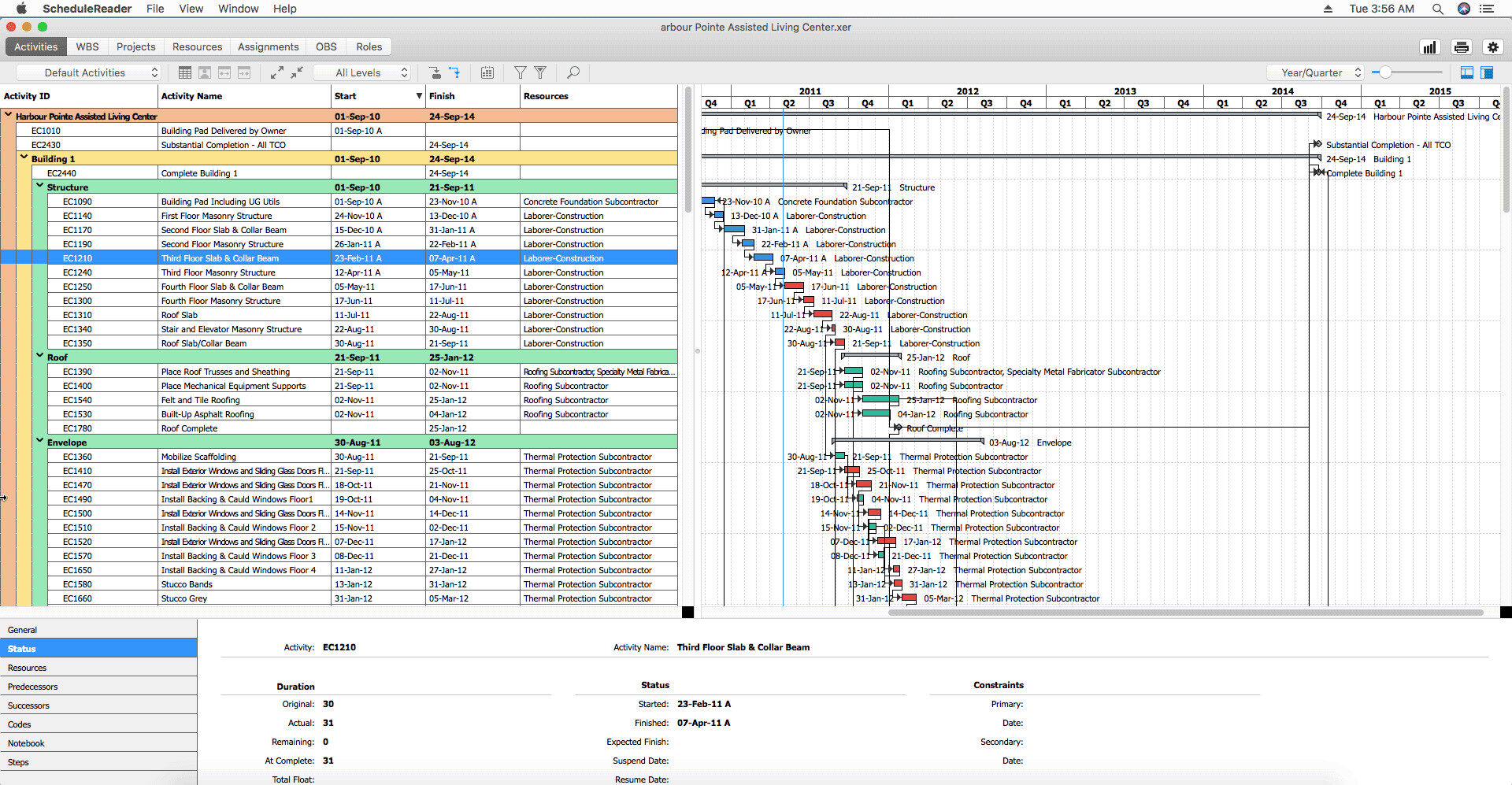
ScheduleReader for Mac runs as a standalone macOS application. The activity table, Gantt chart, WBS tree and baseline comparison behave exactly as they do on Windows - the file opens read-only and nothing is written back.
What you gain
Get a full overview of project data, customized to your current needs, with relationships shown in a Gantt chart and tabular view.
Handle plans with hundreds of activities by filtering critical tasks or other parameters that matter to you, just a few clicks away.
Team members on Windows and macOS keep their working environment, with no investment in additional hardware and a consistent experience alongside Primavera P6.
Featured views
The Mac app opens the plan and lets you move through the data the same way the planner built it.
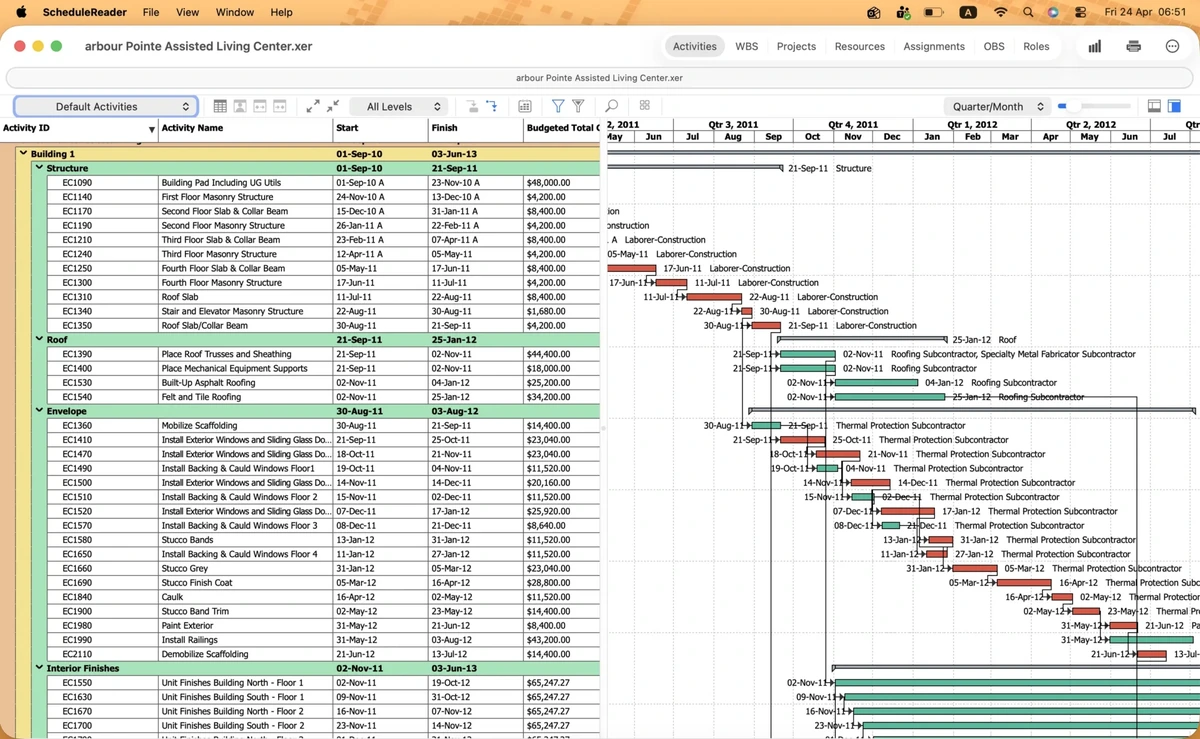
Activity, WBS, Projects, Resources, Assignments, OBS and Roles - the project data, viewed the way the planner built it.
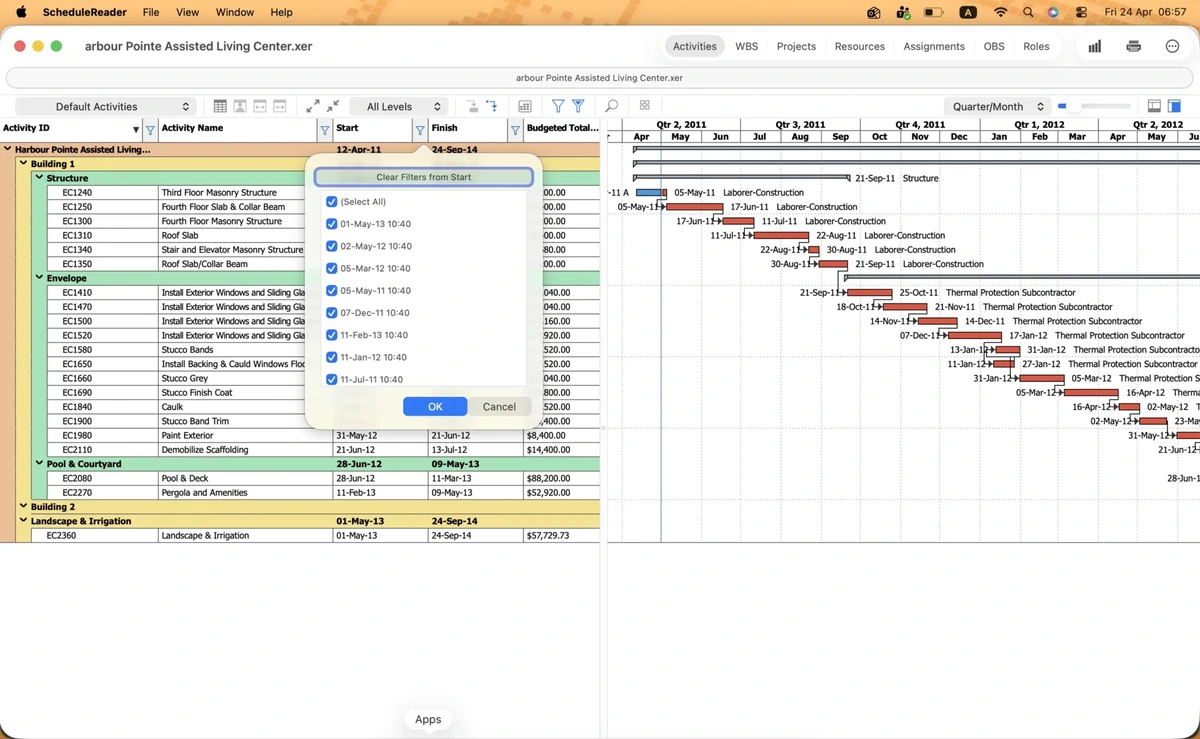
Move through the Activity view with filters and the auto filter.
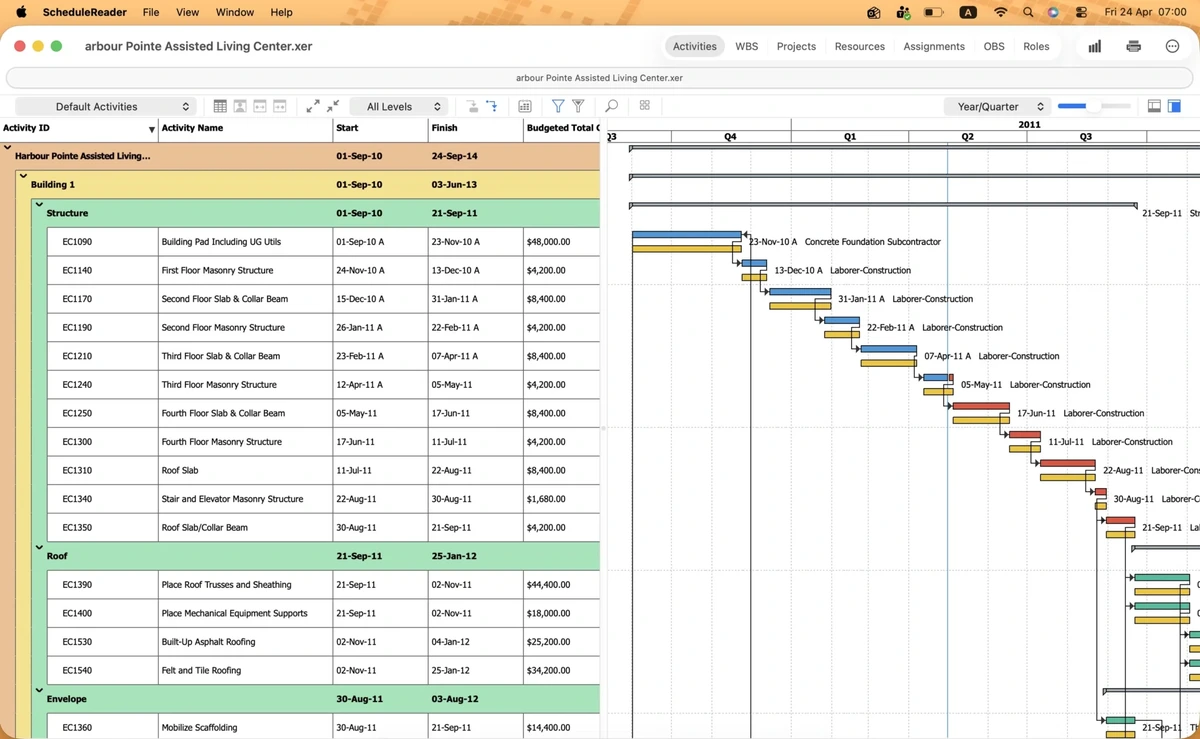
Compare project versions and analyze project progress.
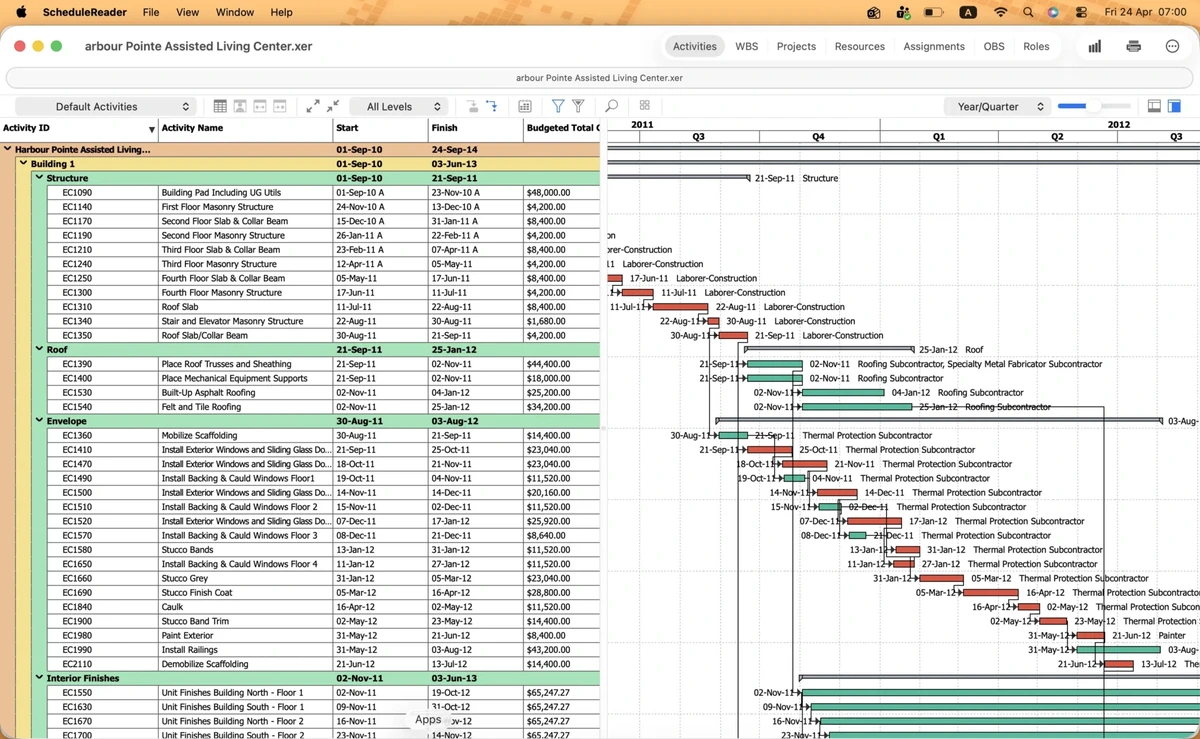
Set the timescale to fit your requirements and get a custom preview.
FAQ
No. ScheduleReader for Mac opens .xer files exported from Oracle Primavera P6. It is a standalone application and does not connect to a P6 database.
Activity, WBS, Projects, Resources, Assignments, OBS and Roles, with filters, the auto filter and baseline comparison.
Yes. You can compare project versions and analyze project progress in the Mac application.
Yes. Team members on both Windows and macOS keep their working environment, with no investment in additional hardware and a consistent experience alongside Primavera P6.
Yes. Company and enterprise license plans are available for Mac. Contact us and we will get back to you with the best solution for your team.
Get started
No obligation. Read-only, and nothing is written back to Primavera P6.