

Read-only Schedule Access for On-site Project Teams
View tasks, assignments and any schedule data without the use of costly scheduling programs or hard to manage PDF printouts.
ScheduleReader for Project Teams on the Field
Field workers, site engineers and foreman need to view their tasks, assignments and the schedule in order to execute the project work as planned. These project participants do not need to own a full costly scheduling software license that requires extensive training to use, but would greatly benefit from a view-only schedule access provided by ScheduleReader.
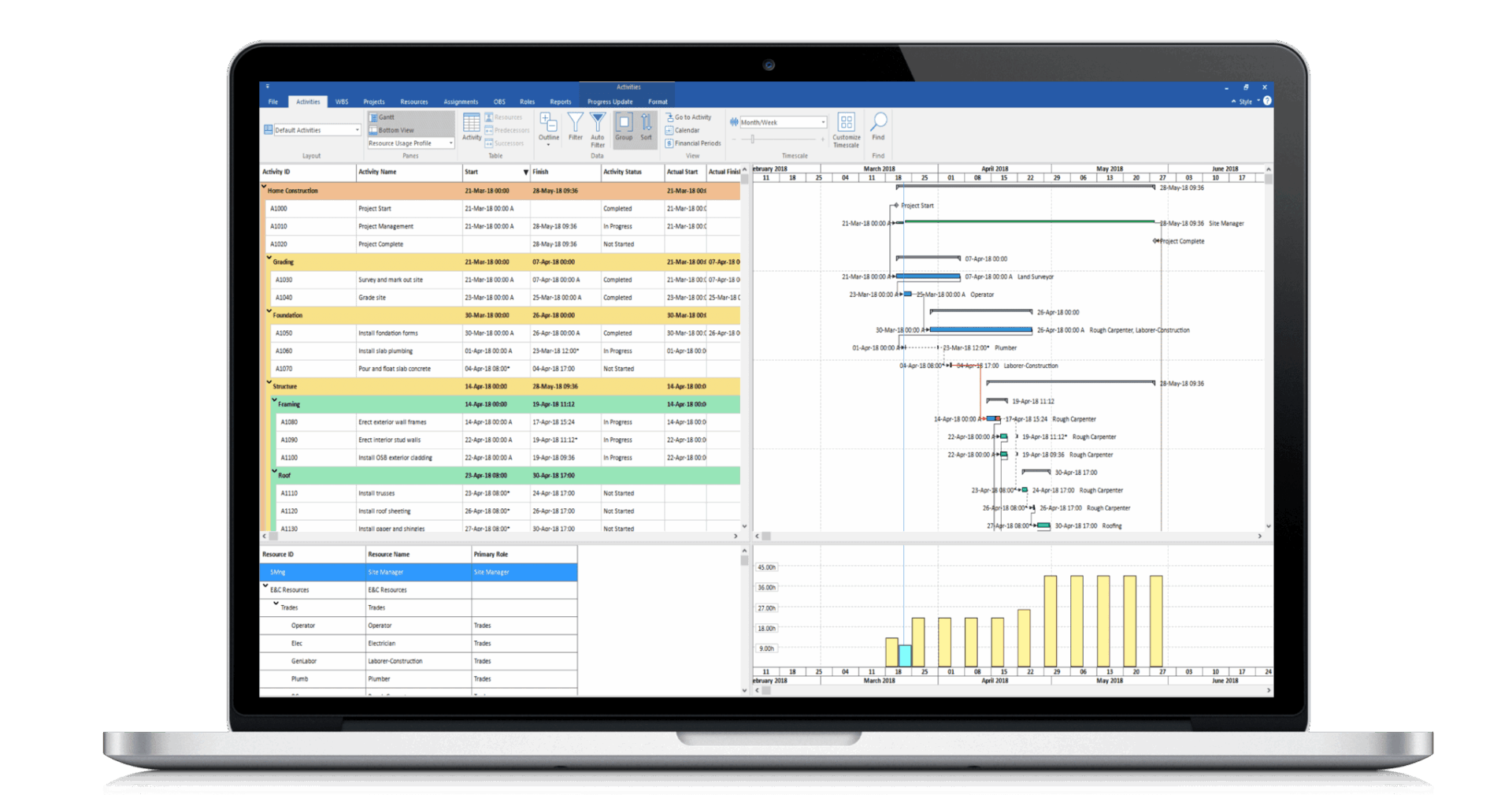










Alternative to Viewing Schedules as PDF
Get a Detailed Overview of Schedule Data
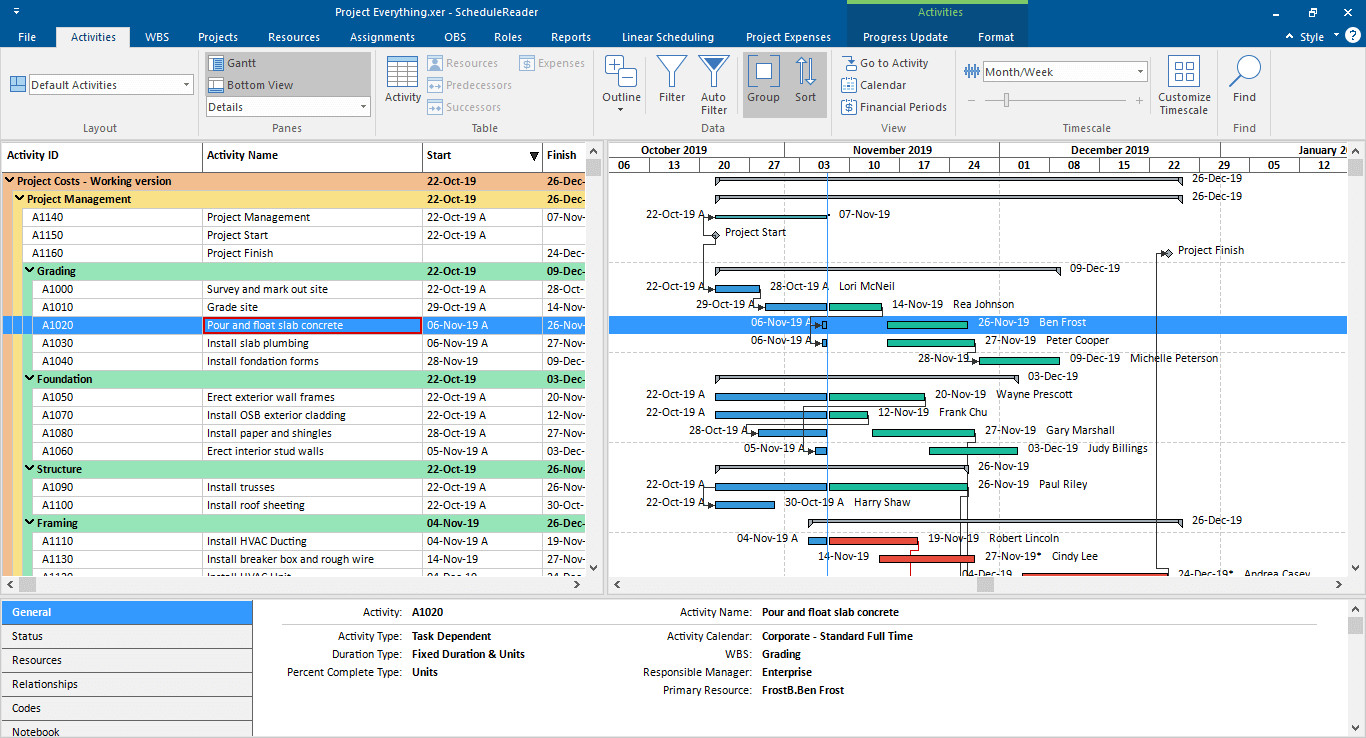
Navigate through the schedule and view different aspects of data using the native views for: Activities, Assignments and more.
Filters and Auto Filters
Quickly find relevant activities with predefined filters for Critical Activities, Lookahead filter for upcoming activities or Auto filter for easy navigation among any data.
Layout and Views Customization
Fully customize your environment, add columns, change color scheme, rearrange and size elements and even import shared layouts for unified view among teams.
S-curves and Histograms
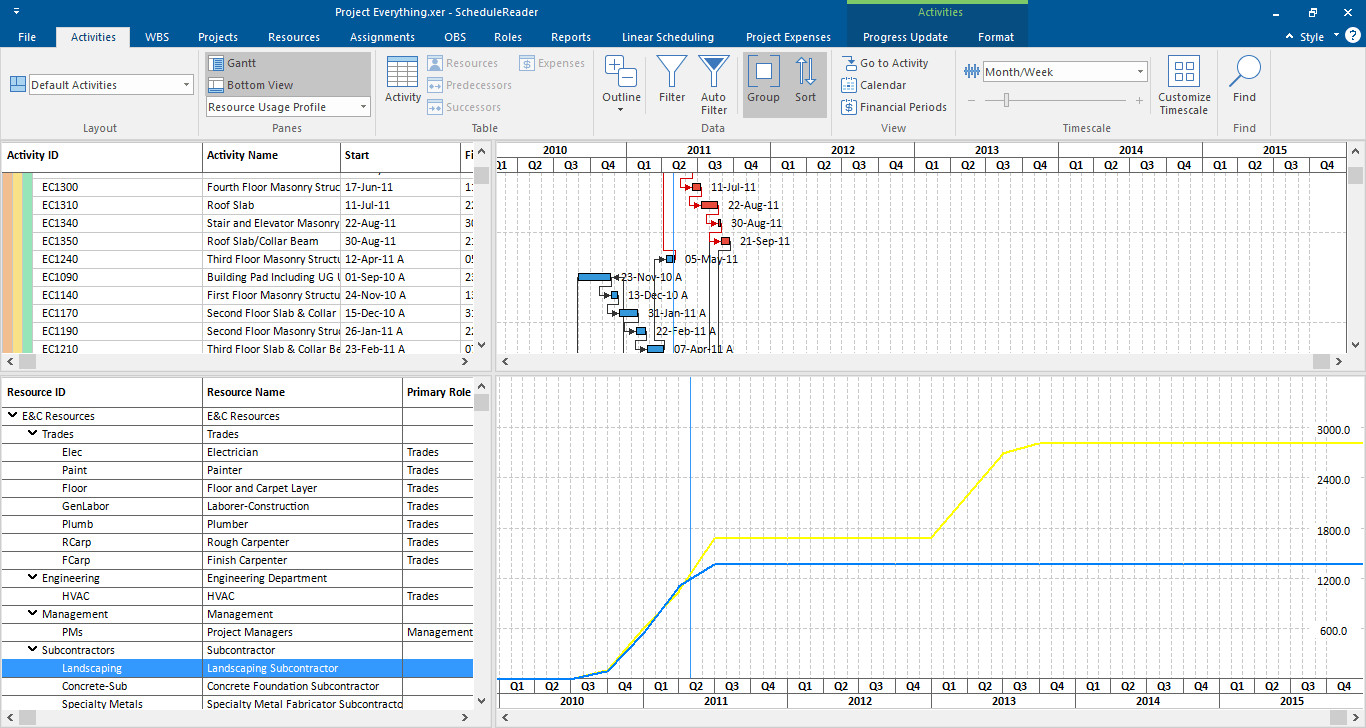
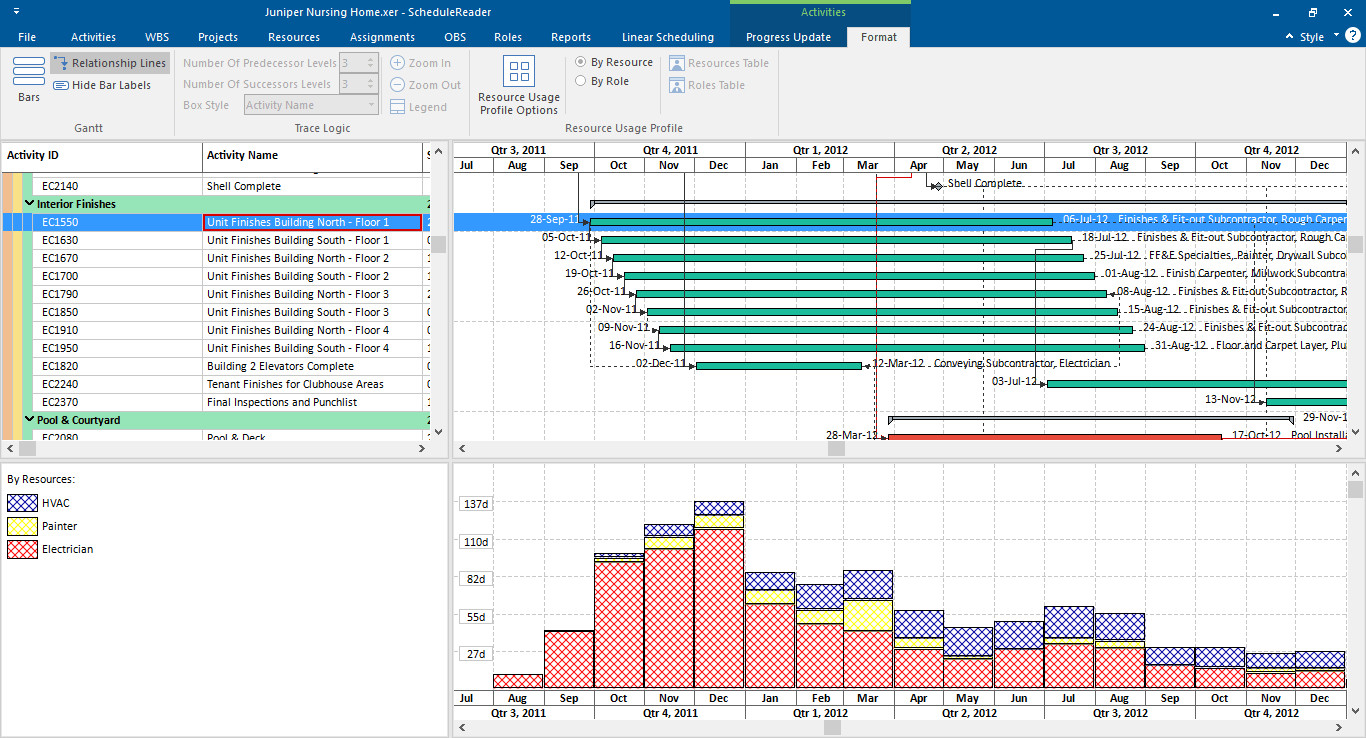
Use the view access to your resources to create histograms, stacked histograms and s-curves for managing their planned allocation.
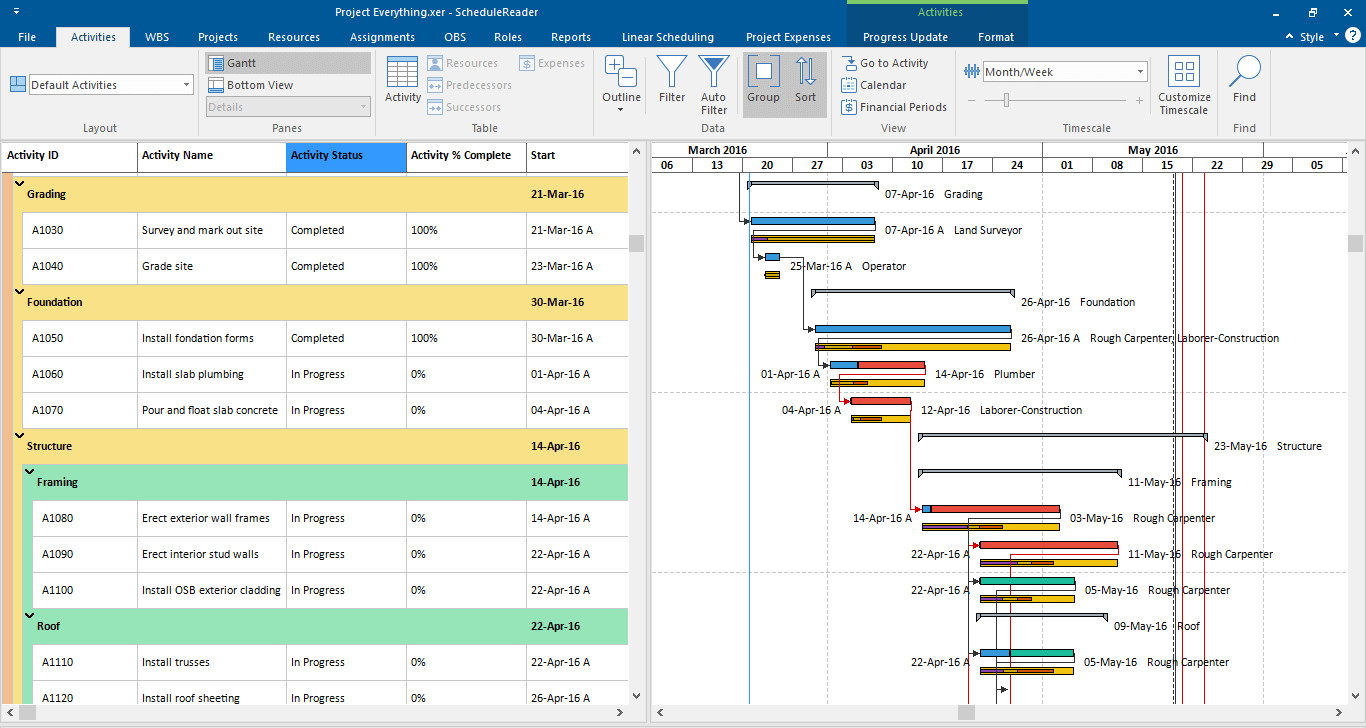
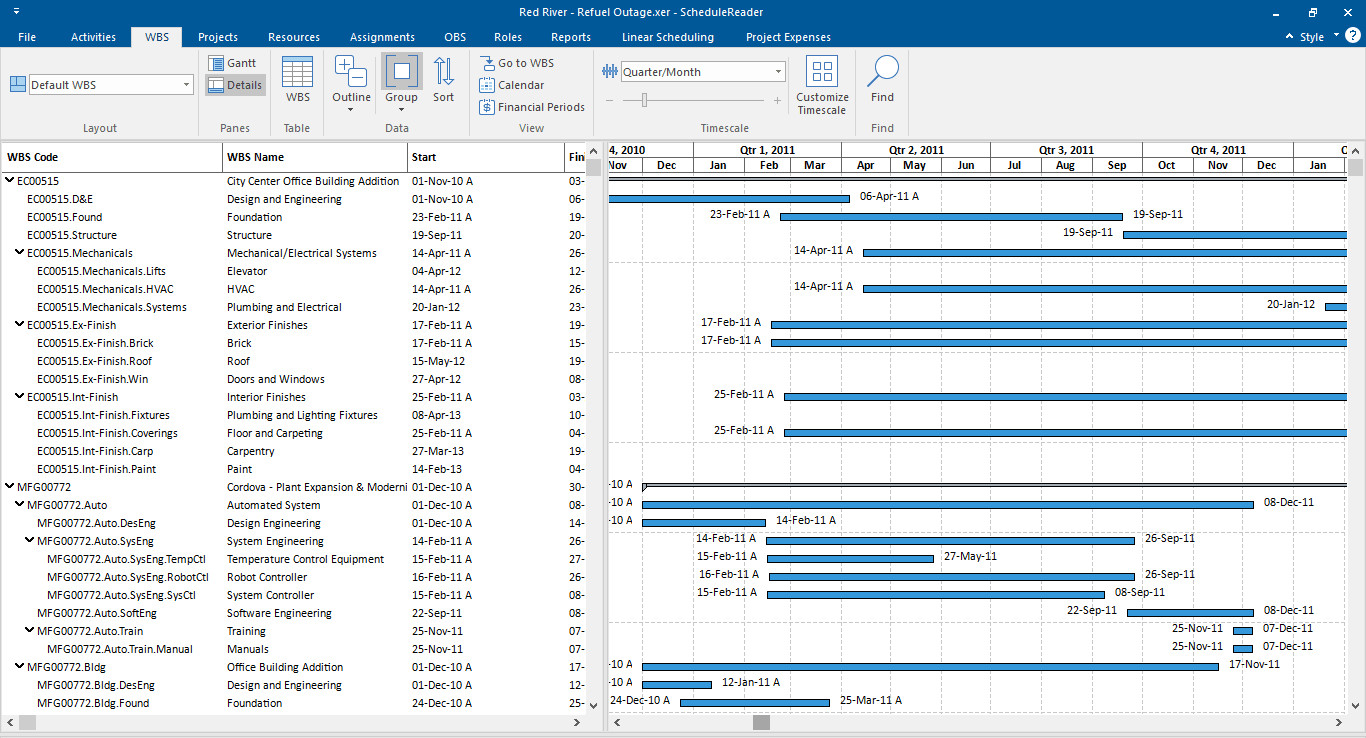
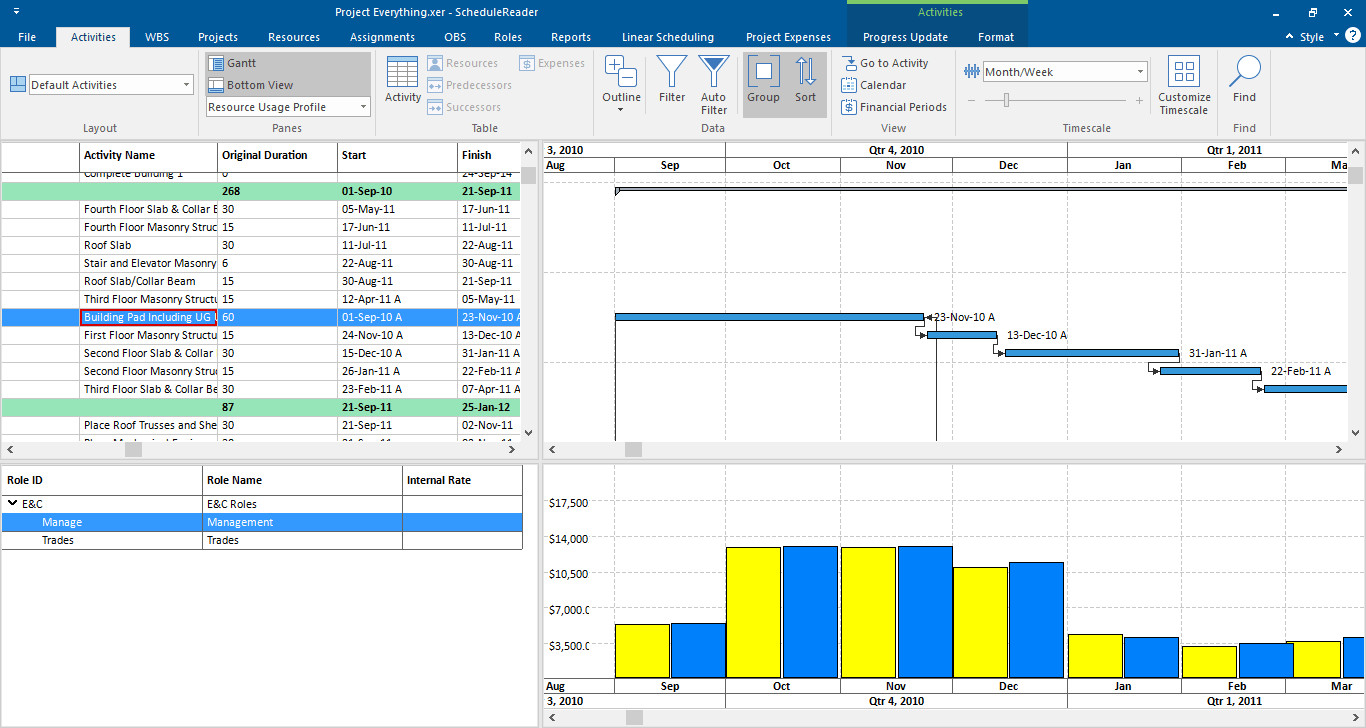
Practical and Simple to Use XER Schedule Viewer
No Integration or Database Connection
Quiclly access project information from XER and XML files without connecting to any databases or using costly scheduling software.
Navigation and Interactivity
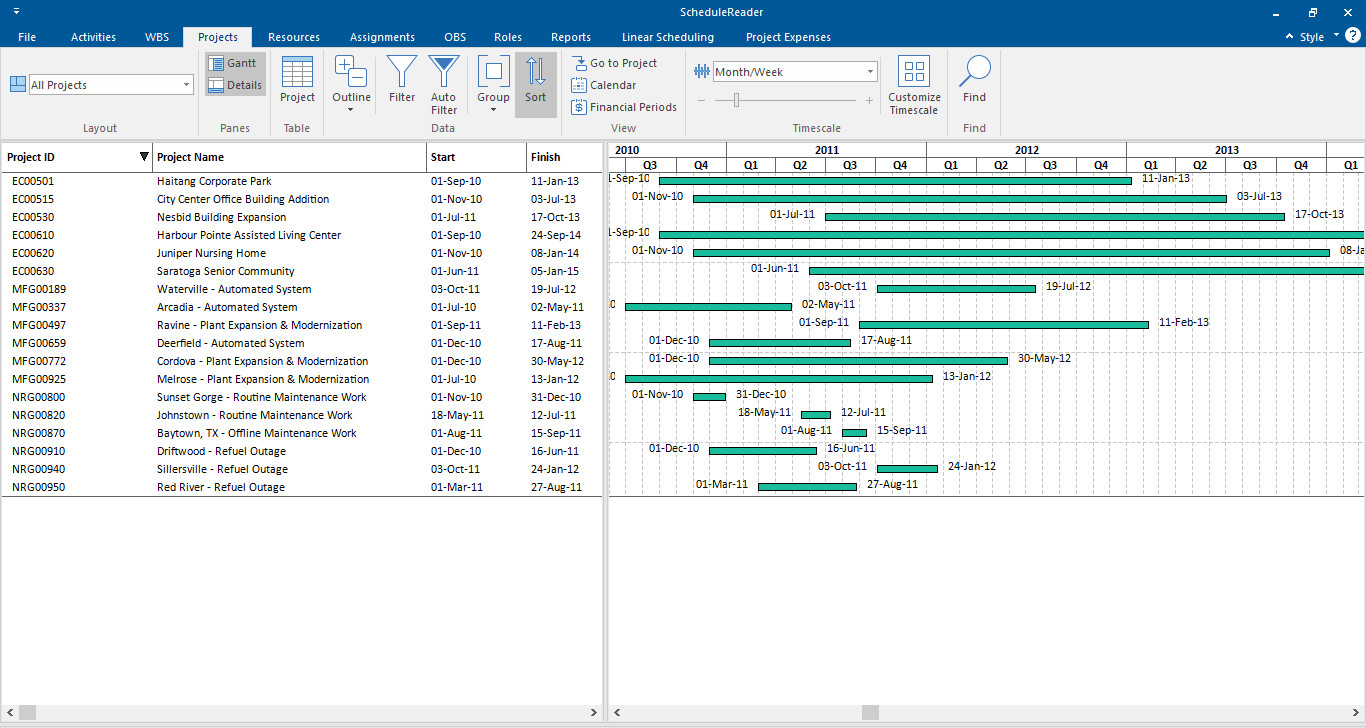
Use Groups and Sorts to organize data, explore the many levels of the WBS to view activities or use Filters to quickly find specific ones.
Unified View with .PLF Layouts
Customize your views, from the color schemes on the Gantt chart to the entire layout, or use the same app view across all teams.
Progress Update Mode – Enabling Team Collaboration
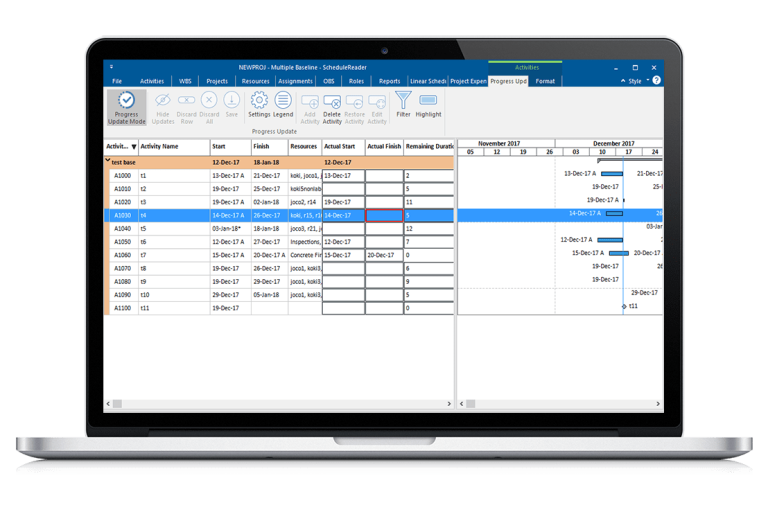
Another benefit provided by ScheduleReader is the Progress Update mode, which allows teams on the field to use the application’s interface to input values for fields such as an Activity’s start and/or end dates, percentage complete and more.
Users are even able to propose and write down a new activity that should be added to the schedule or mark if a planned activity is canceled.
These actions are documented inside a new Excel file, which is instantly available to the scheduler who can then review and update the original project plan accordingly.
Ready to Get Started?
See how the world’s best schedulers deliver astonishing results for their businesses with ScheduleReader™.