Once the proposal for the new activity is inserted in the project plan, the user can give a proposal who can work on the newly created activity or which role can best perform the work. The process for inserting resource/role is as follow:
1. Select the activity that is added and click on the Edit Activity button in the Progress Update ribbon;
2. Select the Resource/Role tab;
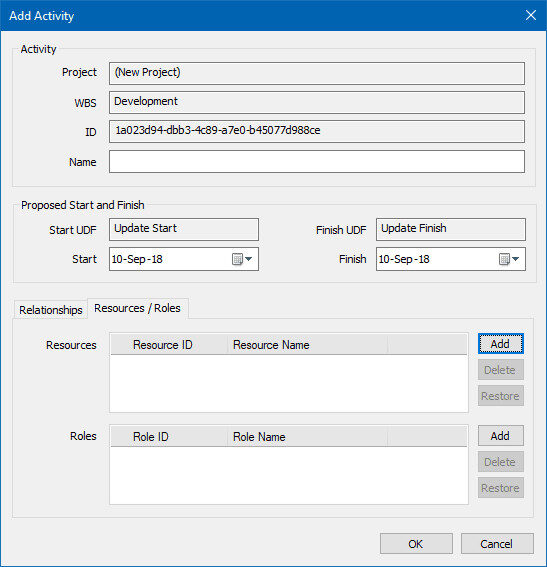
3. For adding resources to the newly created activity, click on the “Add” button for Resources;
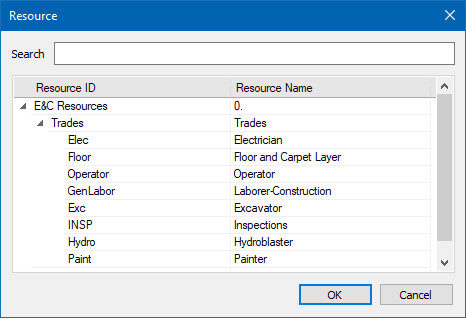
4. In the newly opened window, select the appropriate resource for the activity;
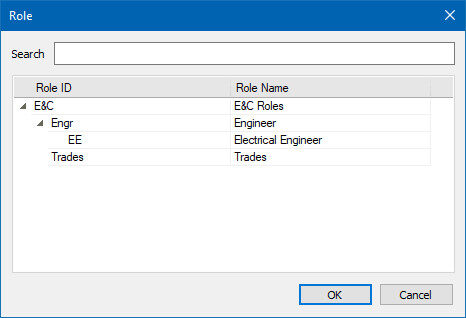
5. If you want to assign a role, perform the same action as for resource. Instead of resources, you will see the available roles.