

Roles are used to representing a specific set of knowledge, proficiency, or skills a person should possess to work on a project, such as a job title.
Also, roles can be assigned to specific resources to further identify those resources’ skills.
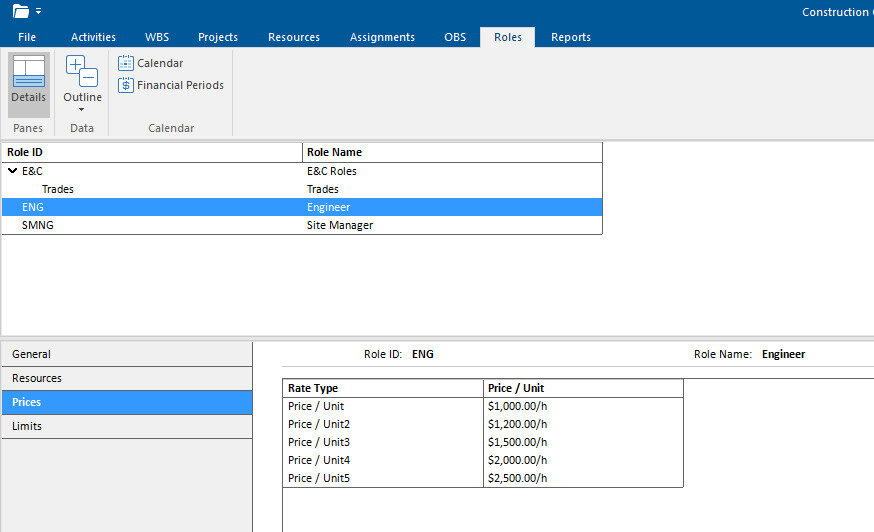
The following functionalities are placed in the Roles tab of the ribbon:
| Details | Show on bottom project information details for the selected role. |
| Expand All | Expands all collapsed items in a hierarchical table view. |
| Collapse All | Collapses all expanded items in a hierarchical table view. |
| Calendar | View details for the assigned global, project, and resource calendars. |
To enable details to be shown at the bottom of the screen. Select a role from the table to view detailed information given in the following tabs:
| General | Role ID and Name. |
| Resources | List of resources assigned to the selected role. |
| Prices | Price/unit rates for each role. |
| Limits | Role availability over time. |