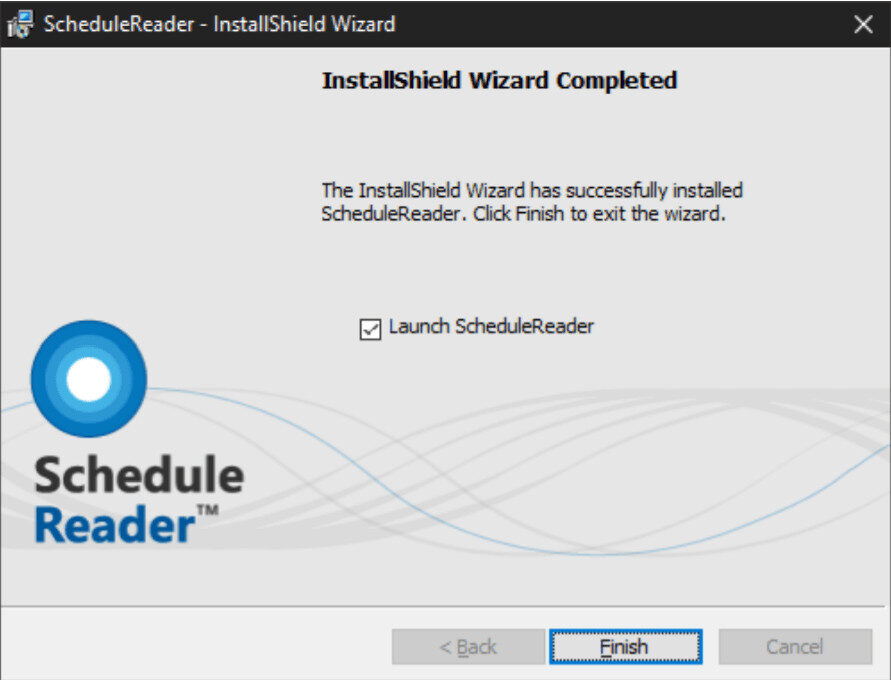
Download ScheduleReader on your Windows PC
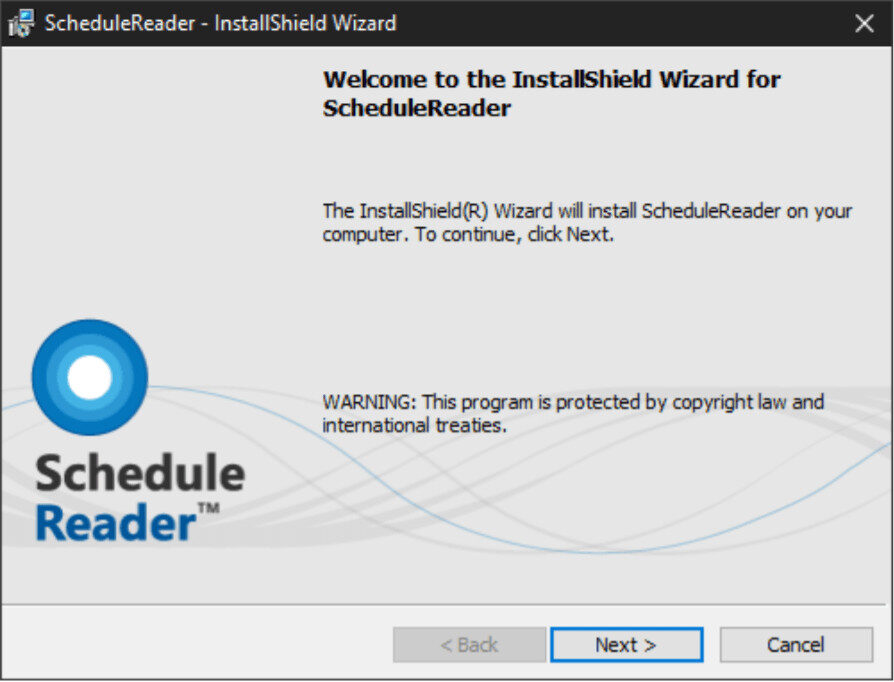
1. Run the installation setup file
2. Select Next to continue
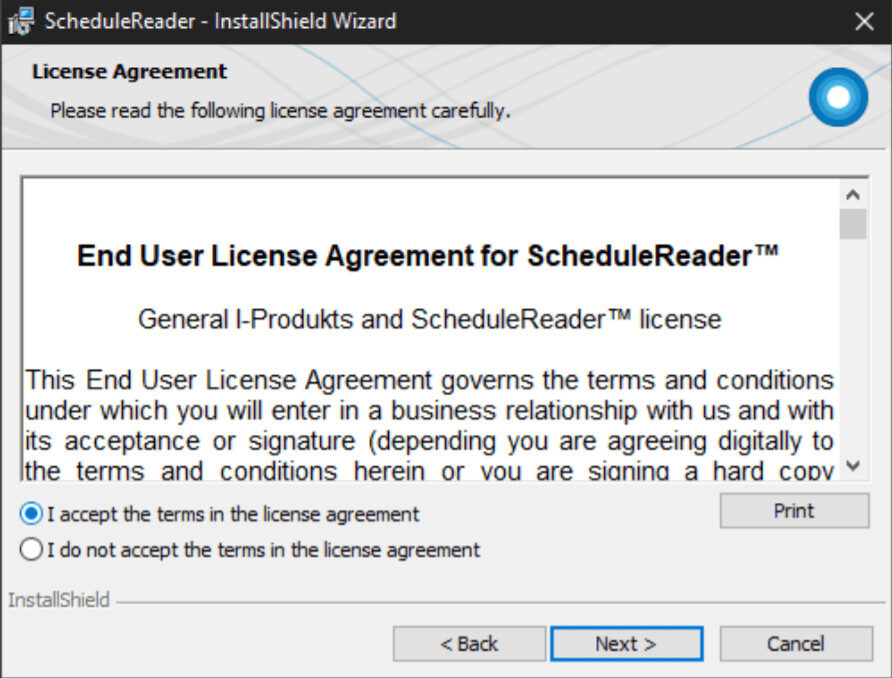
3. Review the license agreement and select Next to continue with the installation
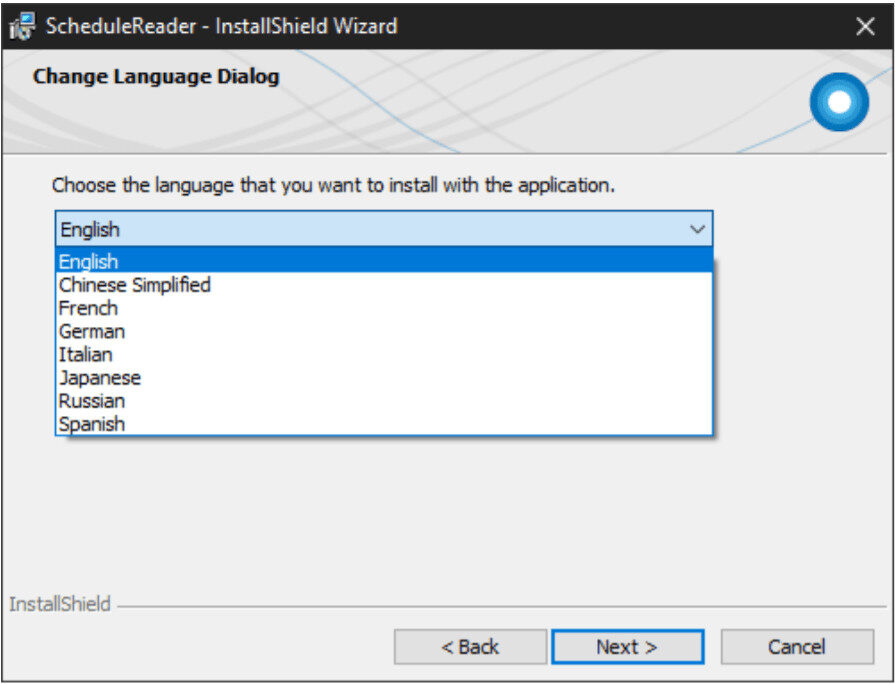
4. Choose the application language and select Next to continue
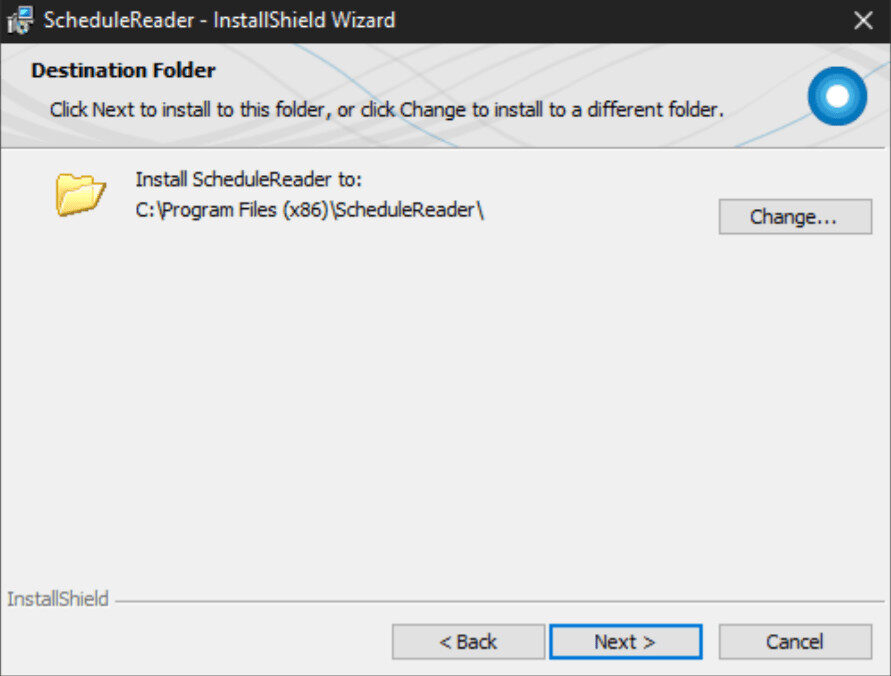
5. Select the destination folder for installing the application and click Next to continue
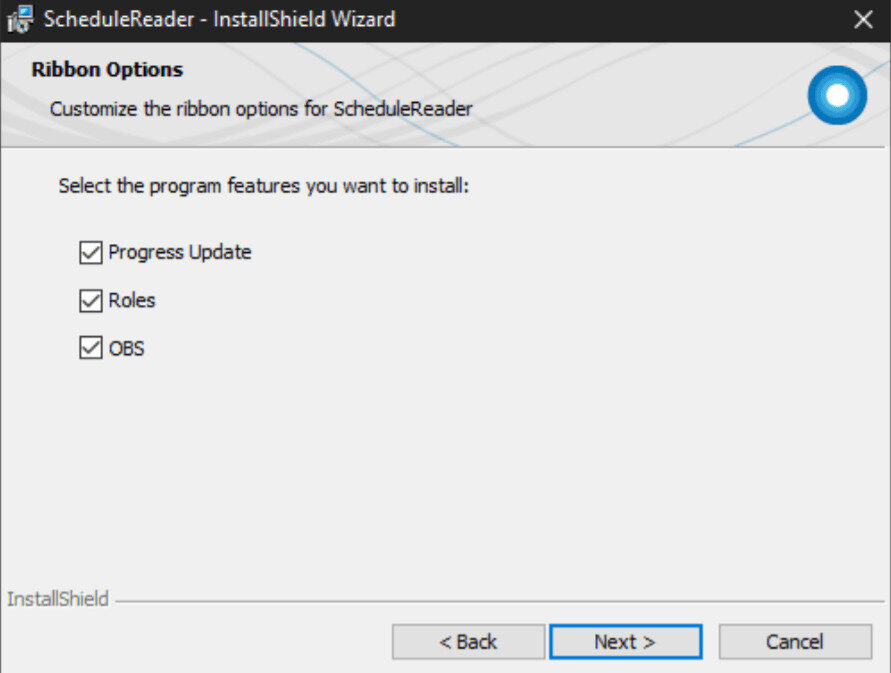
6. Specify which programs should be installed additionally and click Next to continue
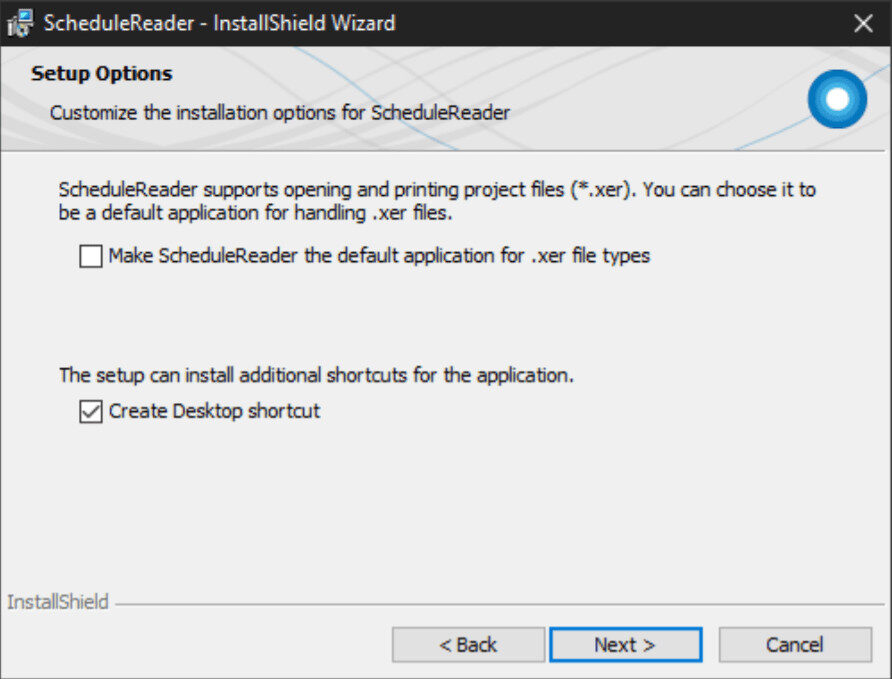
7. Choose your preferences in the Setup options and click Next to continue
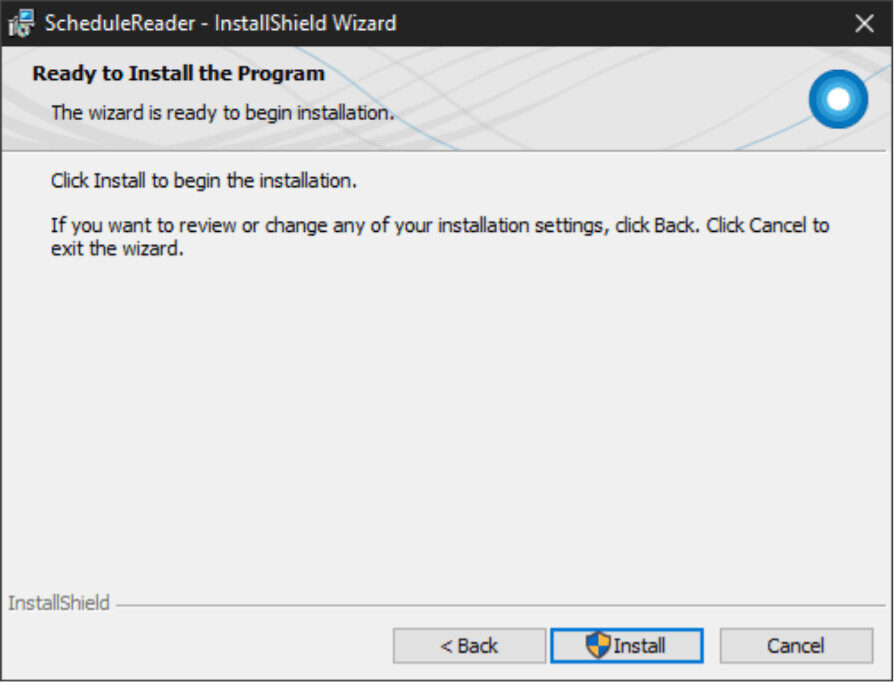
8. Click the Install button to start the installation or go back and make changes in the previous steps
9. Once the application is installed click on the Finish button to close the dialog